Gitea
Written By Charan
Last updated 7 months ago
Connect your Gitea repositories to dFlow using Personal Access Tokens (PAT).
Gitea Integration: Using a Personal Access Token (PAT)
To authenticate Gitea as a source in dFlow, you need a Personal Access Token (PAT).
This token provides secure, scoped access to your repositories without requiring your username and password.
How to Create a PAT in Gitea
Log in to your Gitea account.
Click on your avatar (top-right) → Settings.
In the left sidebar, go to Applications → Manage Access Tokens.
Click Generate New Token.
Provide the following:
Name (e.g.,
dFlow Integration)
Select the required scopes (see table below).
Click Generate Token.
Copy and securely store the token — you will not be able to view it again.
Recommended Scopes
Choose only the permissions needed for your integration:
Token Reuse
The same token can be reused across multiple private repositories within the same Gitea account.
Using the PAT in dFlow
Once you have the PAT:
Create a new service and select type as
app.Navigate to the Gitea tab.
Enter the required details such as Repository URL and Branch.
If the repository is private, paste your Personal Access Token (PAT) in the Git Token field.
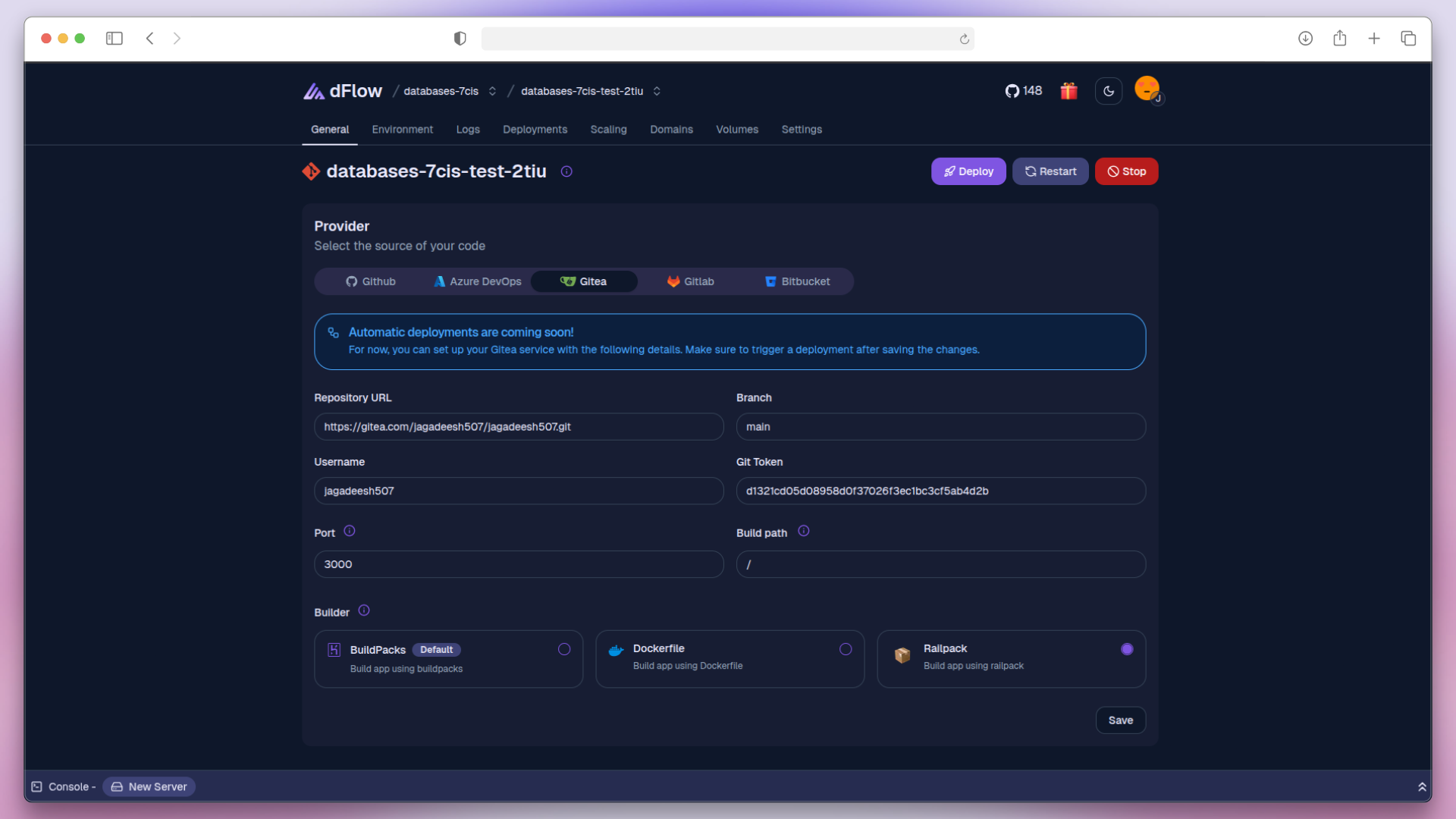
Click Deploy to launch and view your application live.