BitBucket
Written By Charan
Last updated 7 months ago
Connect your Bitbucket and deploy applications with ease.
Bitbucket Integration: Using a Workspace Personal Access Token (PAT)
To authenticate Bitbucket as a source in dFlow, you need a Workspace Personal Access Token (PAT).
Workspace Token Availability
Workspace tokens are available only on the Enterprise plan. In the Free plan, you cannot generate workspace tokens.
How to Create a Workspace PAT in Bitbucket
Sign in to your Bitbucket.
Navigate to Workspace settings via the sidebar.
Under Access management, select Workspace access tokens.
Click Create token.
Provide a Label (e.g.,
dFlow Deployment Token).Set an Expiration date.
Select permissions such as
repository:read(adjust based on need).Click Create.
Copy and securely store the token — Bitbucket won’t show it again.
Token Reuse
A single token can be reused to deploy all private repositories within the same workspace.
Creating a Bitbucket Repository Access Token
Sign in to your Bitbucket.
Navigate to Repository settings from the sidebar.
Under Access management, select Access tokens.
Click Create repository access token.
Provide a Label (e.g.,
dFlow Repo Token).Set an Expiration date.
Select permissions (e.g.,
repository:readfor deployments, orrepository:writeif needed).Click Create.
Copy and securely store the token — Bitbucket won’t show it again.
Token Scope
A single repository access token is valid only for that specific repository. Each repository must have its own token.
Using the PAT in dFlow
Once you have the PAT:
Create a new service and select type as
app.Navigate to the Bitbucket tab.
Enter the required details such as Repository URL and Branch.
If the repository is private, provide your Personal Access Token (PAT) in the
Git Tokenfield.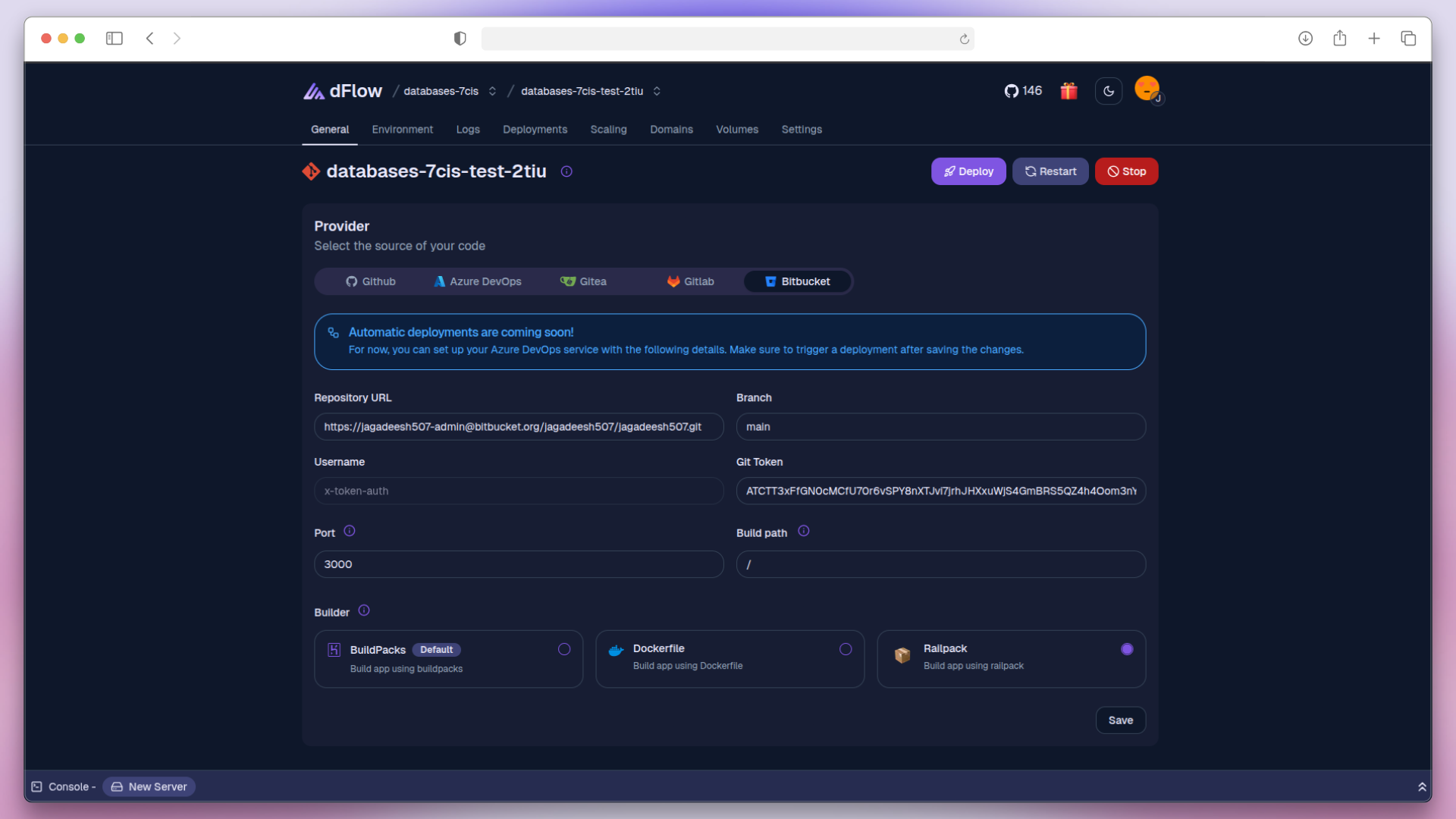
Click Deploy to launch and view it live.