Projects
Written By Team dFlow
Last updated About 1 month ago
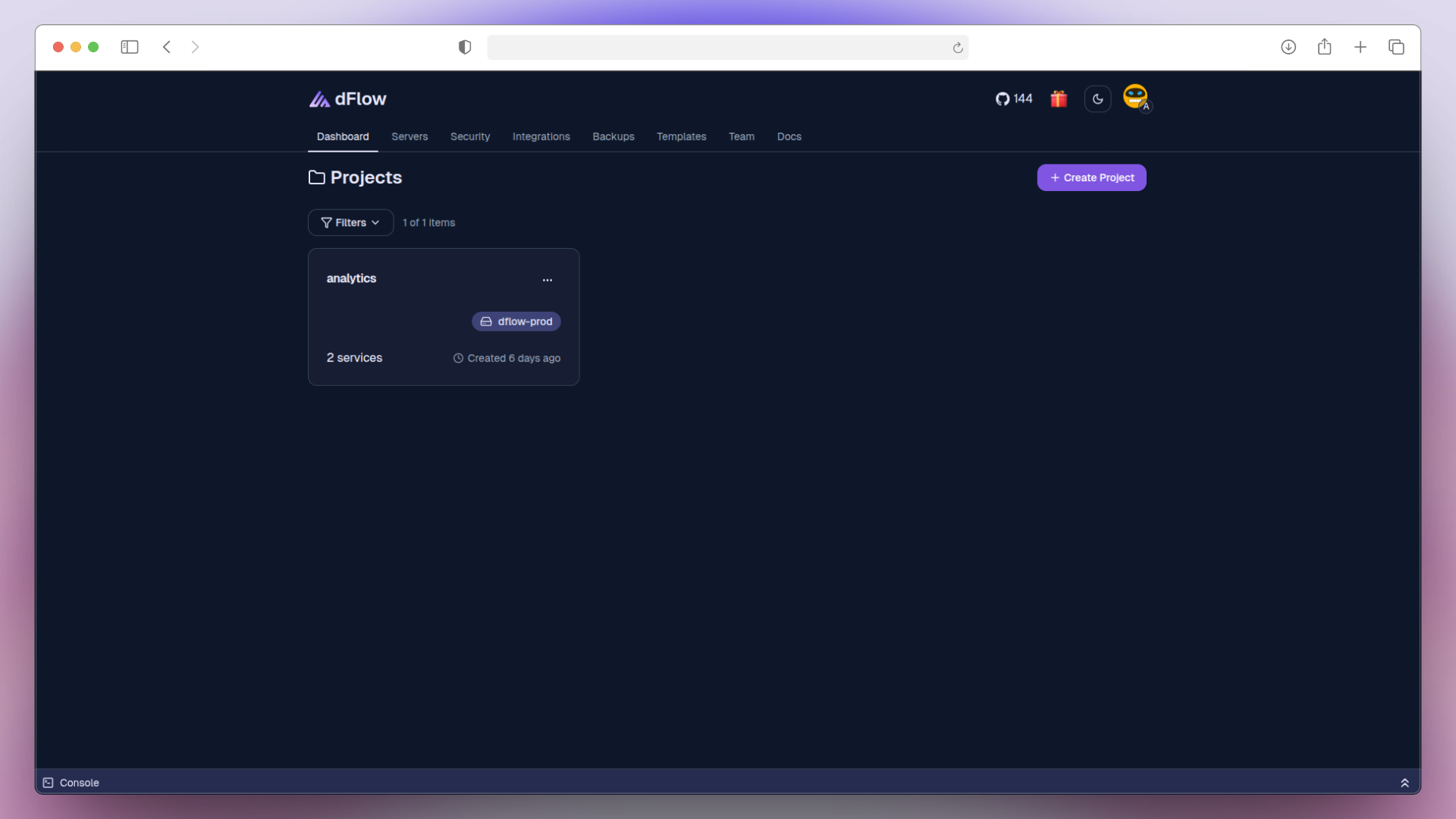
A Project in dFlow is a container for your services. Projects help you organize and manage everything related to a specific app or environment in one place.
Creating a Project
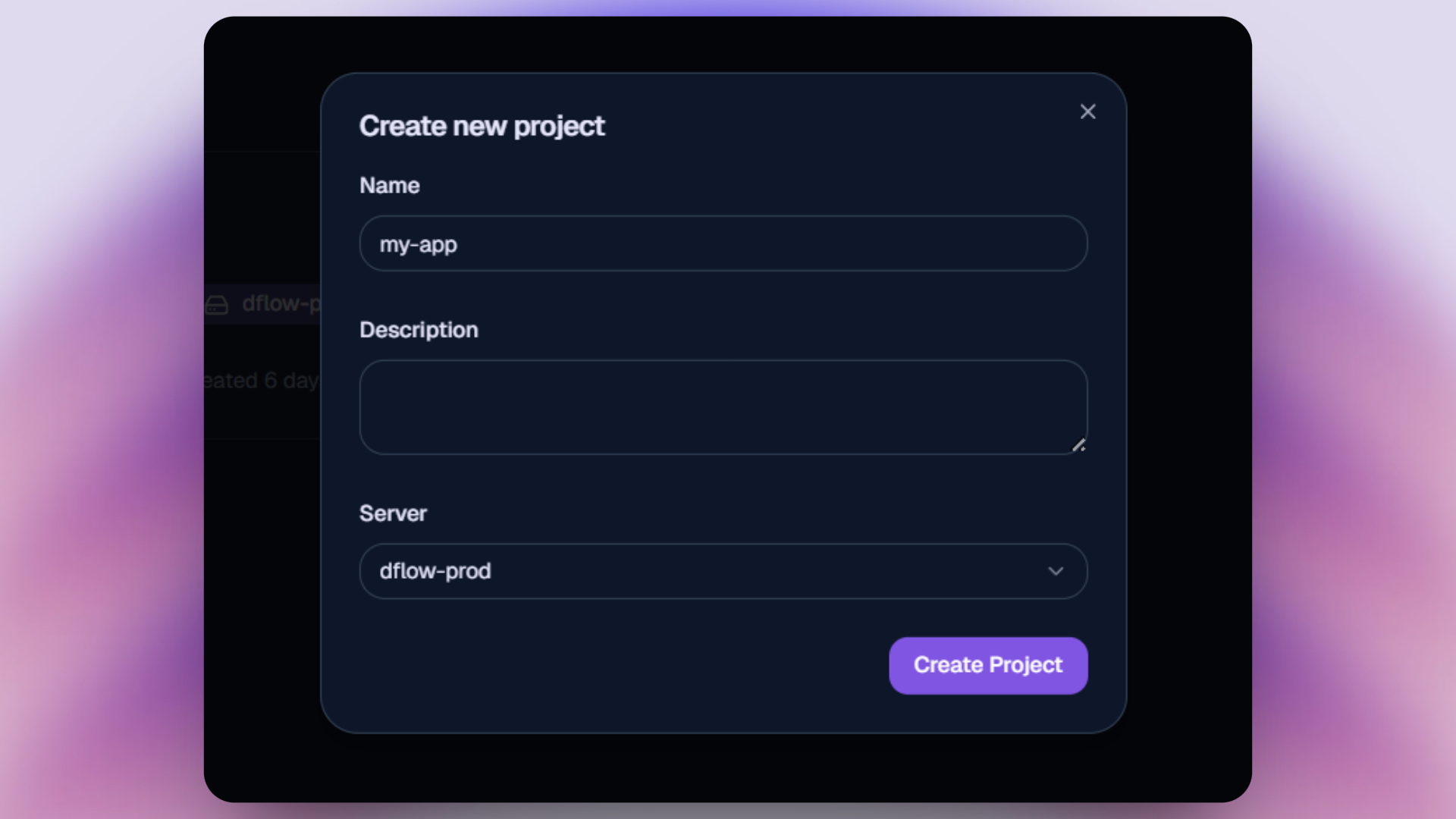
To create a new project in dFlow:
Click Create Project from the header navigation.
Enter a project name following these rules:
Use only lowercase letters.
No spaces or special characters.
Maximum 10 characters in length.
Example:my-app
Select a Server.
Click Create Project.
Managing Project Info
Once a project is created, its name cannot be changed.
The project name is automatically used as a prefix in service names, so it remains fixed to ensure consistent naming across deployments.
You can update the description anytime by clicking the three dots (⋮) on the project card and selecting Edit.
Deleting a Project
A project can be deleted by clicking the three dots (⋮) on the project card and selecting Delete.
Deleting a project will remove all services, environments, and deployments associated with it.
Deleting a project is irreversible. All associated services, deployments, configurations, and environment variables will be permanently removed.
Notes
There is no limit to the number of projects you can create.
Each project can include multiple services.