Logs
Written By Team dFlow
Last updated About 1 month ago
Logs provide visibility into different stages of your application lifecycle. They help you trace deployment processes, monitor live application behaviour , and review server-side actions.
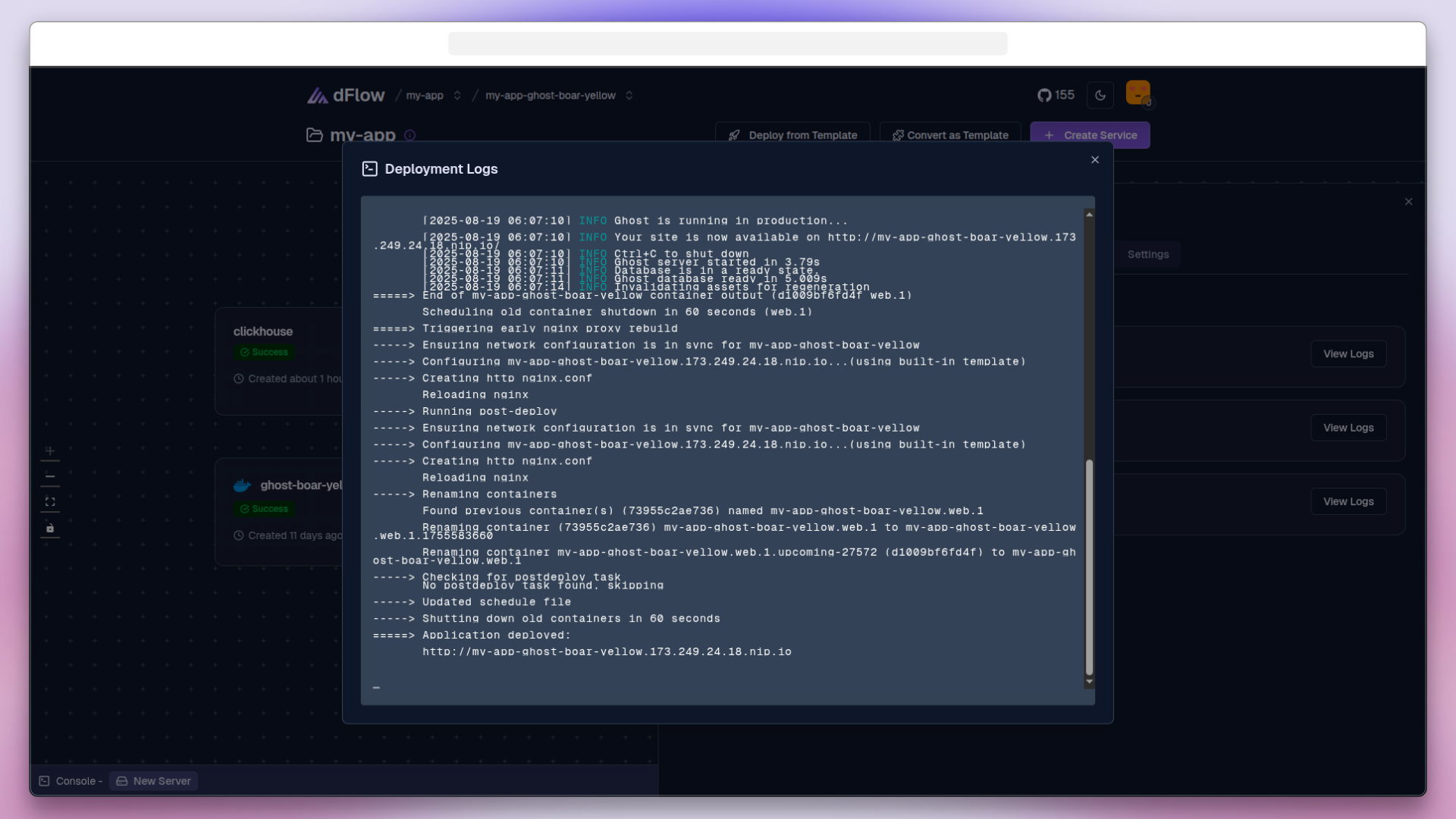
Build/Deploy Logs
Logs for a specific deployment can be viewed by clicking on the deployments in the service window, useful when debugging application failures.
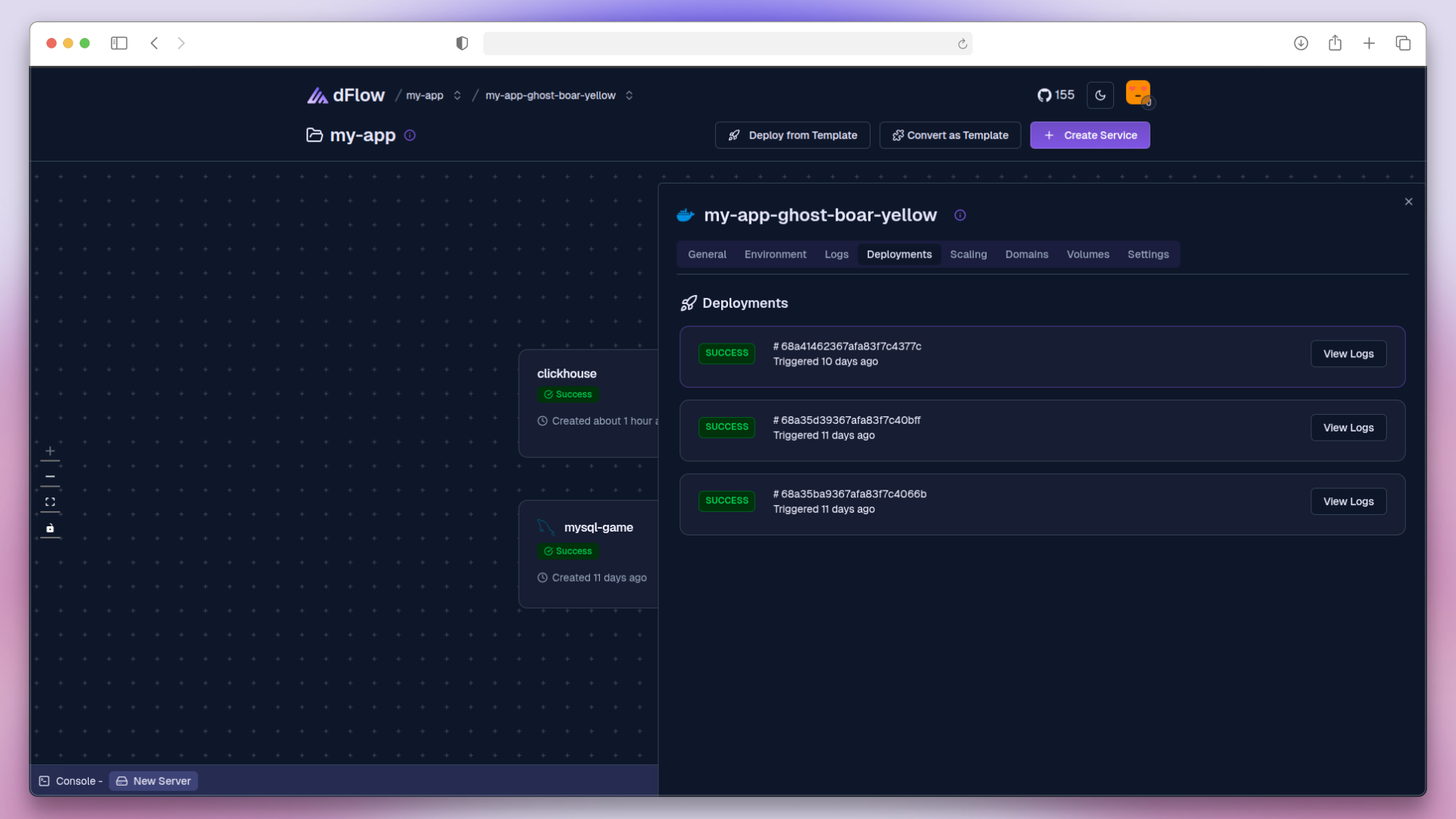
Purpose: Trace the deployment process and identify failures if a deployment does not succeed.
When to use:
When builds fail due to dependency or configuration issues
When deployment do not complete successfully
Access: Click View Logs in the Deployments panel during or after deployment.
Runtime Logs
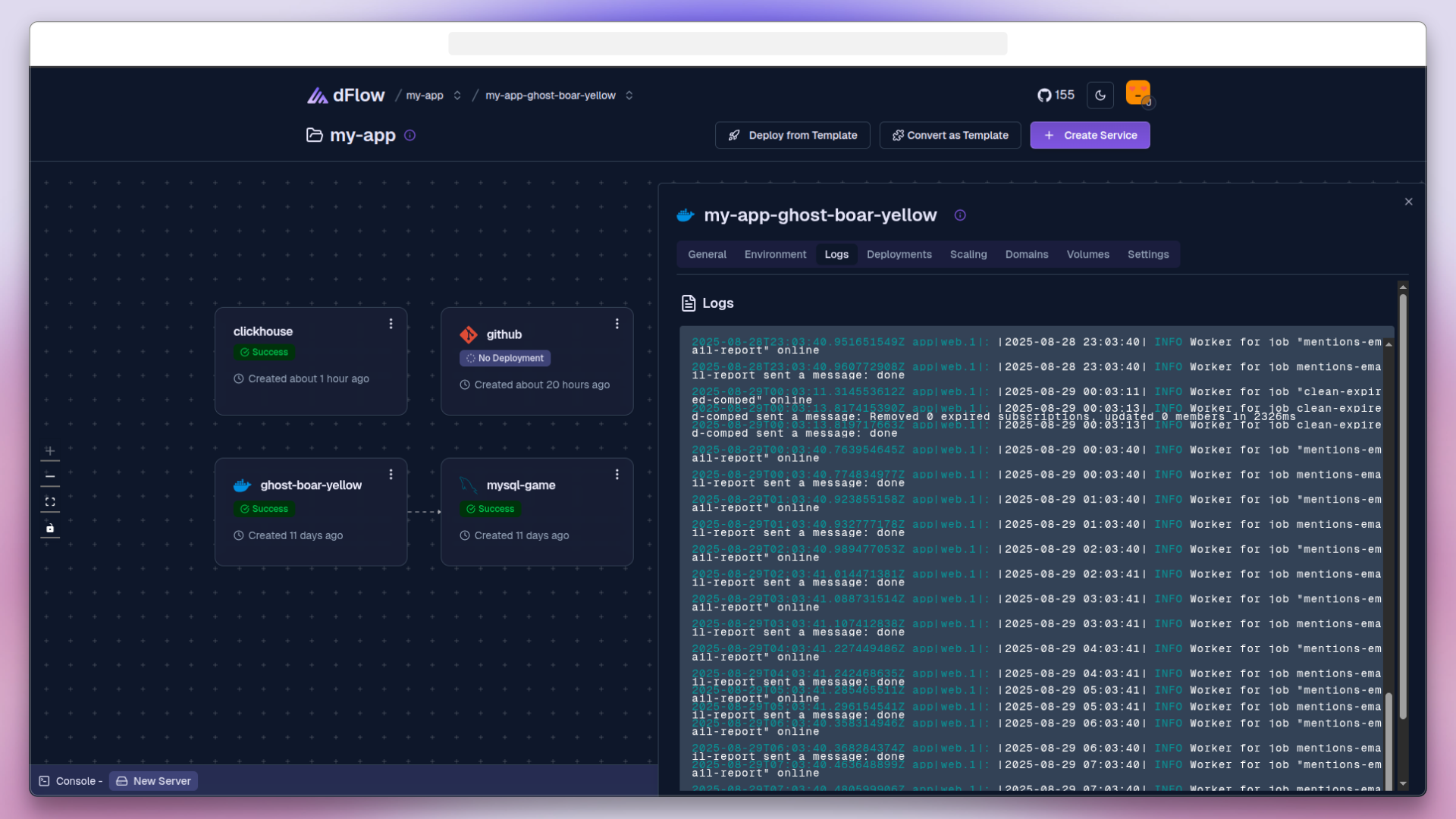
Runtime logs display activity from your application after it has been successfully deployed and is running.
Purpose: Monitor the behavior of the running application, including traffic, background processes, and errors.
When to use:
To observe how the application handles requests in production
To identify runtime errors or crashes
To debug long-running processes or background jobs
Access: Continuously streamed in the Logs tab while the application is active.
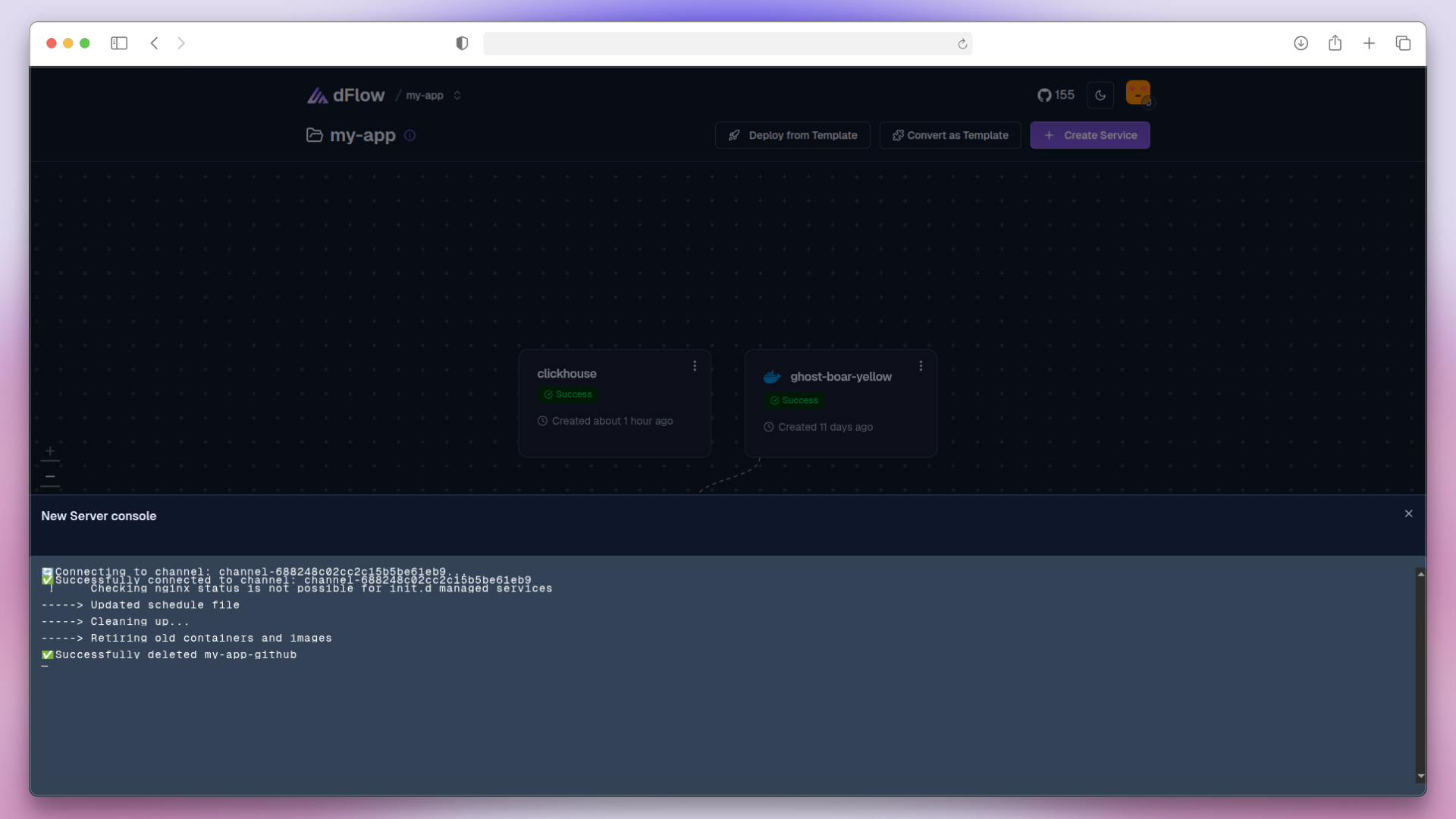
Server Logs
Server logs capture events and actions performed at the server level, outside of the application runtime.
Purpose: Track operational events, such as infrastructure or configuration changes.
When to use:
To verify actions like installing new plugins or deleting services
To audit server-level activity
To troubleshoot infrastructure-related issues
Access: Available in the Server Logs section of the dashboard.